Skip to content
SEO-friendly course pages, practical outcomes, fast navigation

Learn video editing with a minimalist system that actually ships results

LayerMix Academy is built for real-world editing: Premiere Pro, DaVinci Resolve, Final Cut Pro, After Effects, color grading, motion graphics, and clean workflow habits. Find a course in seconds, build a learning path, and start editing today.
Explore Catalog
Avg rating
Courses
Free trials
Bestsellers
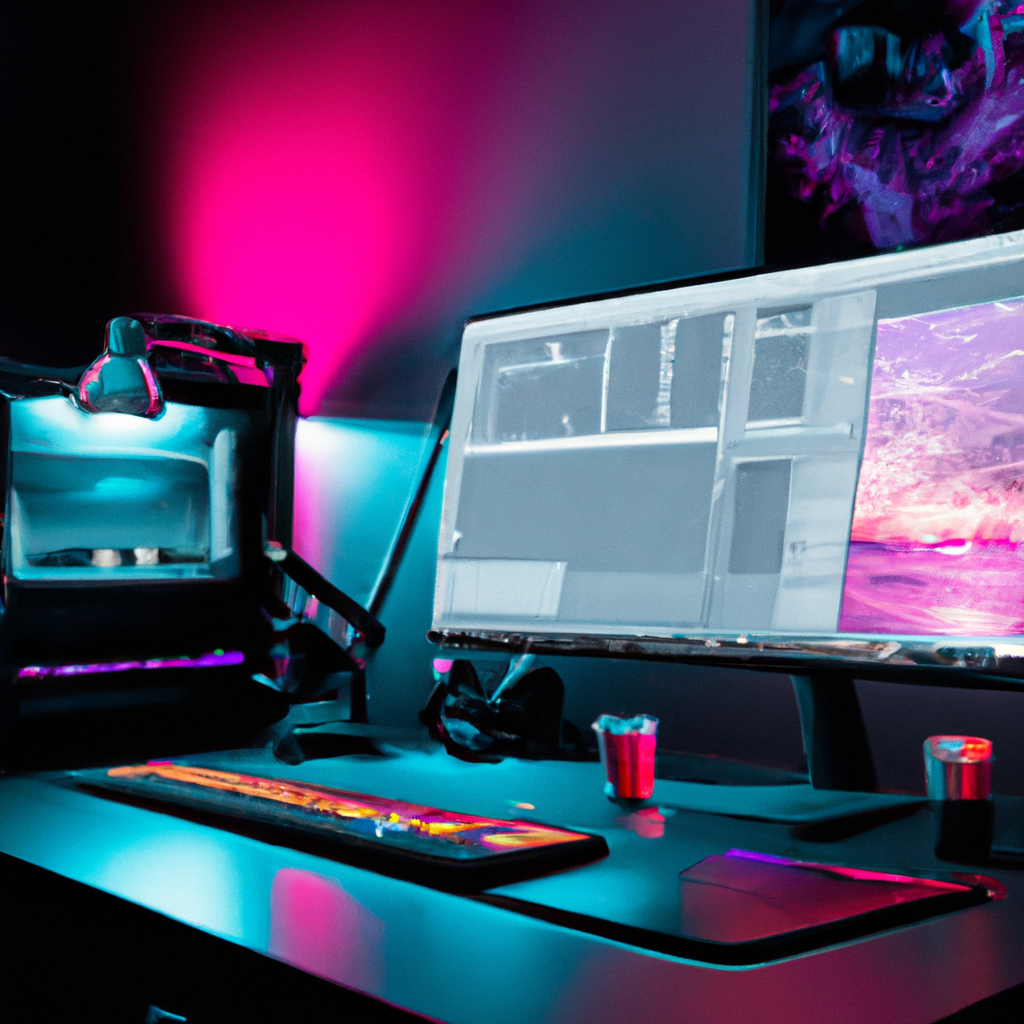
High-end video editing timeline with color grading scopes, motion graphics panels, and minimal desk setup with soft indigo lighting
Fast workflow, calm UI
A learning system that respects your attention and time.
View all
Start
Beginner-friendly
Focus
Workflow + taste
Outcome
Portfolio-ready edit
Next enrollment window
Enrollments reopen in:
Days
Hours
Minutes
Seconds
Tip: Use the command palette to jump straight to a course.

Why LayerMix works

We design courses around shipping. You’ll learn editing fundamentals, storytelling, pacing, audio cleanup, color management, and motion graphics with a clean path from beginner to advanced.

Focused SEO content

Every course has structured details: level, software, duration, prerequisites, outcomes, reviews, and update dates—so you can compare quickly.

Step-by-step structure
No fluff; each lesson has a deliverable.
Learn editing workflow, media management, sound basics, and clean exporting practices that scale from social to commercial.
Time-efficient learning
Short modules, clear milestones.
Use our Path Builder to choose courses by level, software, and goals like color grading, motion graphics, or documentary editing.
Modern editing skills
From cuts to motion to color.
Build a toolkit: timing, pacing, rhythm, transitions that serve story, typographic motion, and a reliable export pipeline.
Trustworthy metadata
Rating, updates, reviews.
We display update dates and prerequisites so you can choose confidently—especially if you’re switching to a new software.
Quick search
Type a tool, tag, or level. Hit Enter to open best match.
Try
Premiere beginner
Try
Color grading
Try
After Effects

Path Builder

Choose your level, preferred software, and goal. We’ll recommend a minimal path from the catalog and explain why each course belongs.

1) Your setup
Loaded from catalog.json
Recommendation rules
  • Prefer matching software and goal tags/keywords.
  • Boost newer updates and higher rating.
  • Cap path length to keep it minimal.
2) Your recommended path
Run the builder to see results from the current catalog.
Open catalog
Estimated total time
We sum durationHours from the recommended courses.
Popular tags
Top software
Fast picks

Open a curated preview without leaving this page.

FAQ

Clear answers for choosing the right online video editing course by level, software, and goals.

Which video editing software do you teach?
Our catalog includes courses built around Premiere Pro, DaVinci Resolve, Final Cut Pro, and After Effects. Each course lists its software stack and prerequisites.
Do you have beginner video editing courses?
Yes. Filter by Beginner and a specific editor. The Path Builder also recommends a minimal first step based on your goal.
How do I pick between Premiere Pro and DaVinci Resolve?
Premiere Pro is widely used in many pipelines; Resolve is exceptional for color and offers an end-to-end post workflow. Choose based on your projects and goals like color grading or collaborative editing.
Can I try a course before buying?
Some courses include a free trial flag in the catalog. We highlight them in search and in the Path Builder when they match your goal.
Get a curated recommendation

Tell us your goal and we’ll email a minimal 2–3 course plan. No spam. Unsubscribe any time.